
The Plumb Bill Pay App

Bill payment access and clarity in the palm of your hand.

Learn More Watch the Video                

We understand the need for access to your important financial data anytime, anywhere.

Having complete clarity about your money allows you to make better financial decisions. With Plumb’s proprietary bill pay app, you can have both the access and the clarity you need.
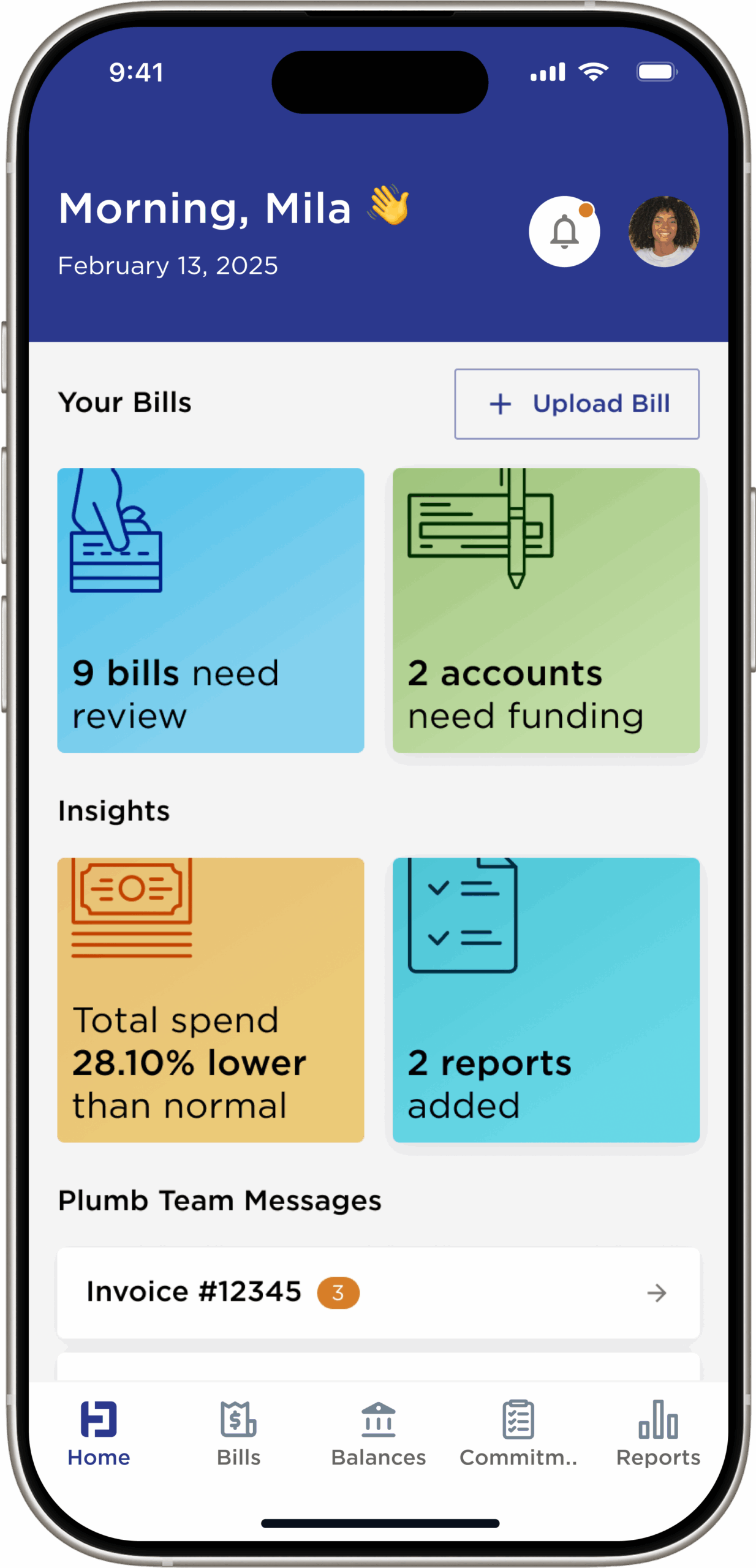
Dashboard
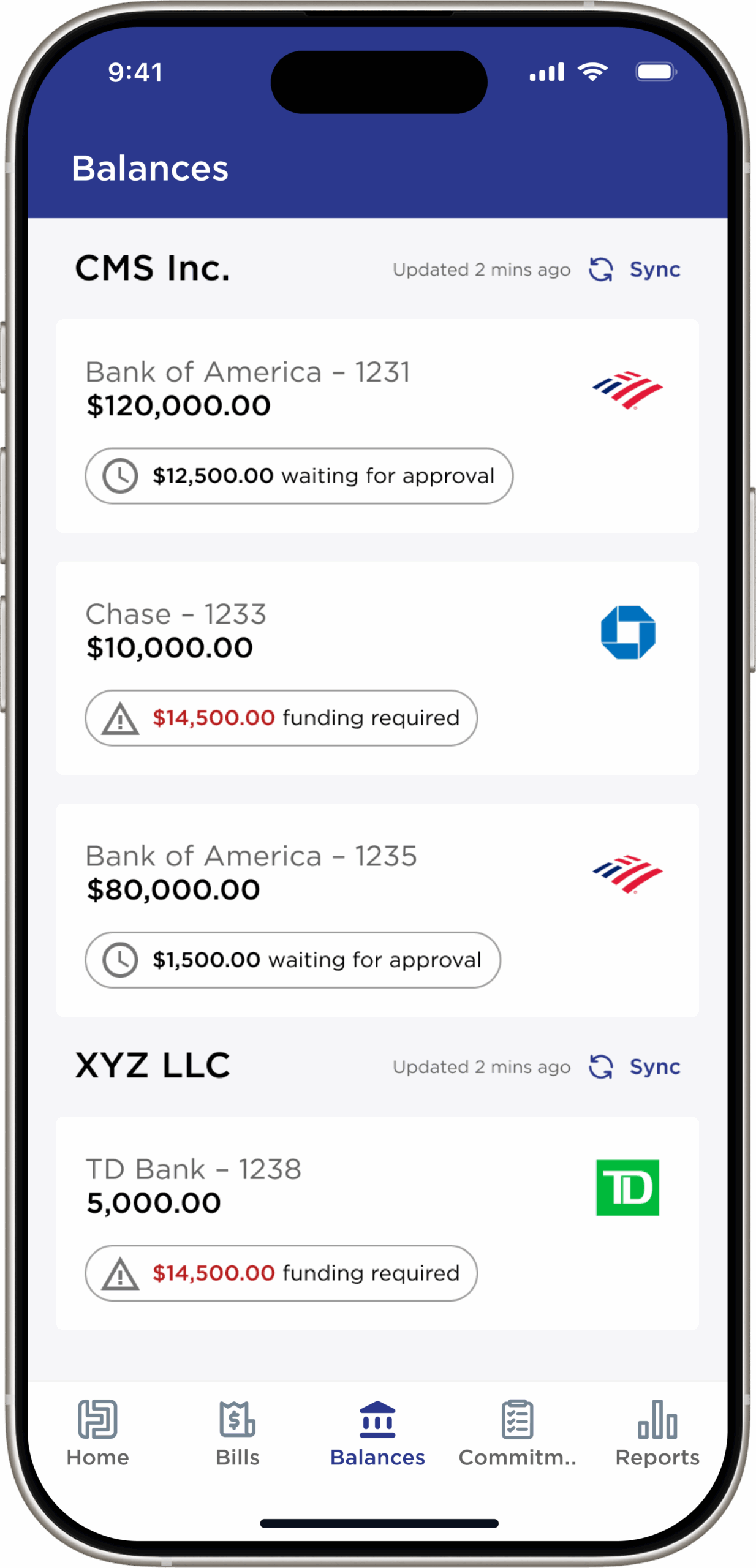
Balance Snapshot
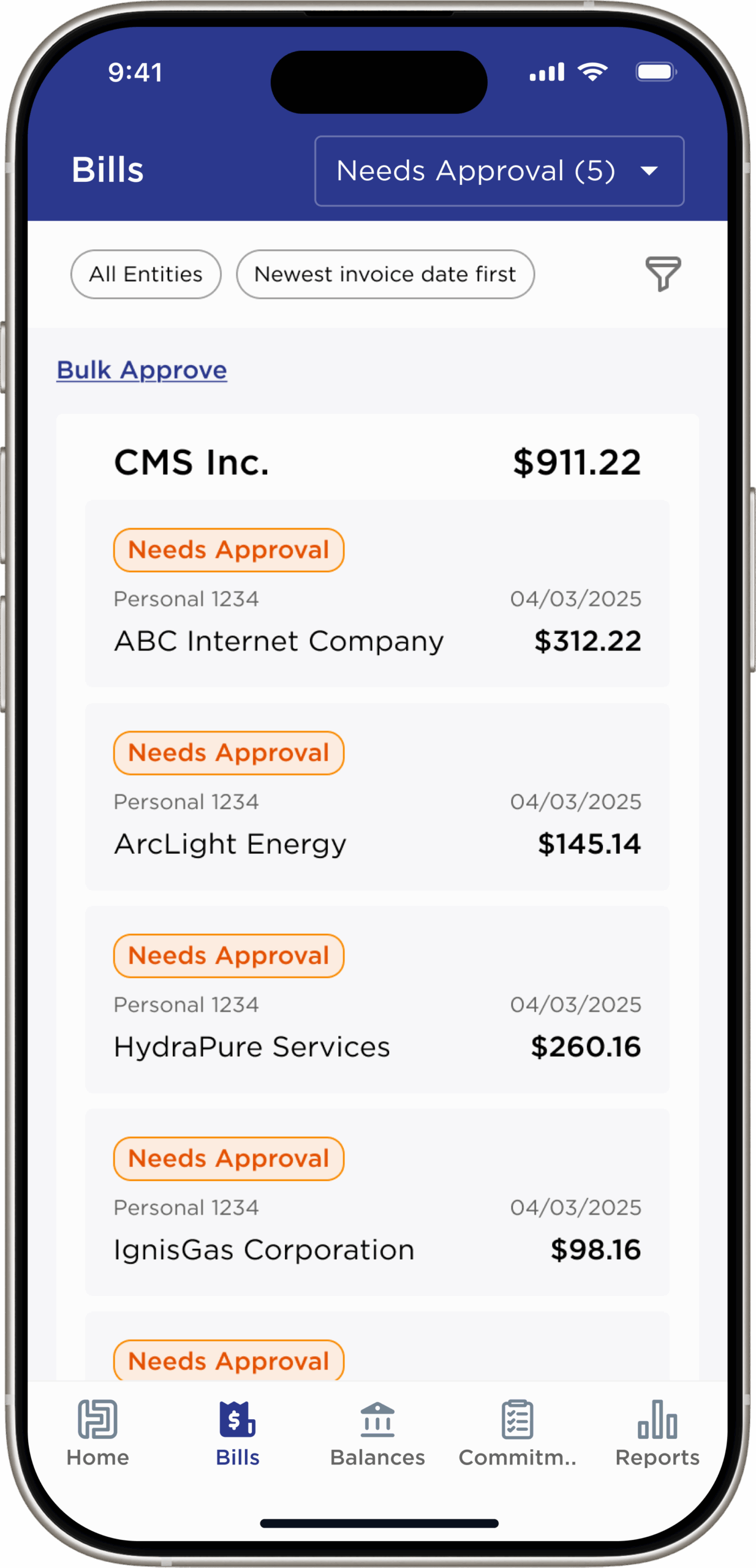
Bills Needing Approval
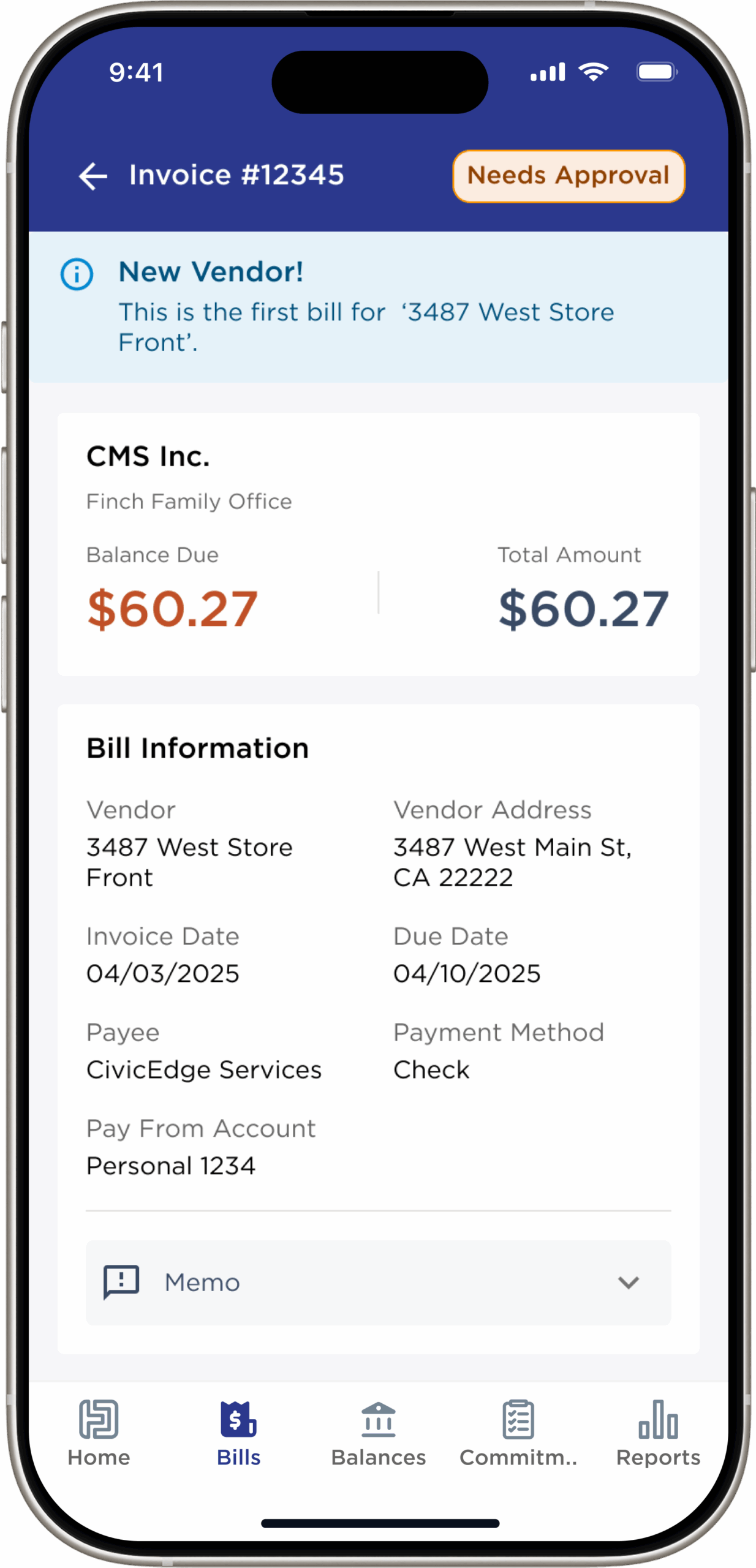
Bill Details
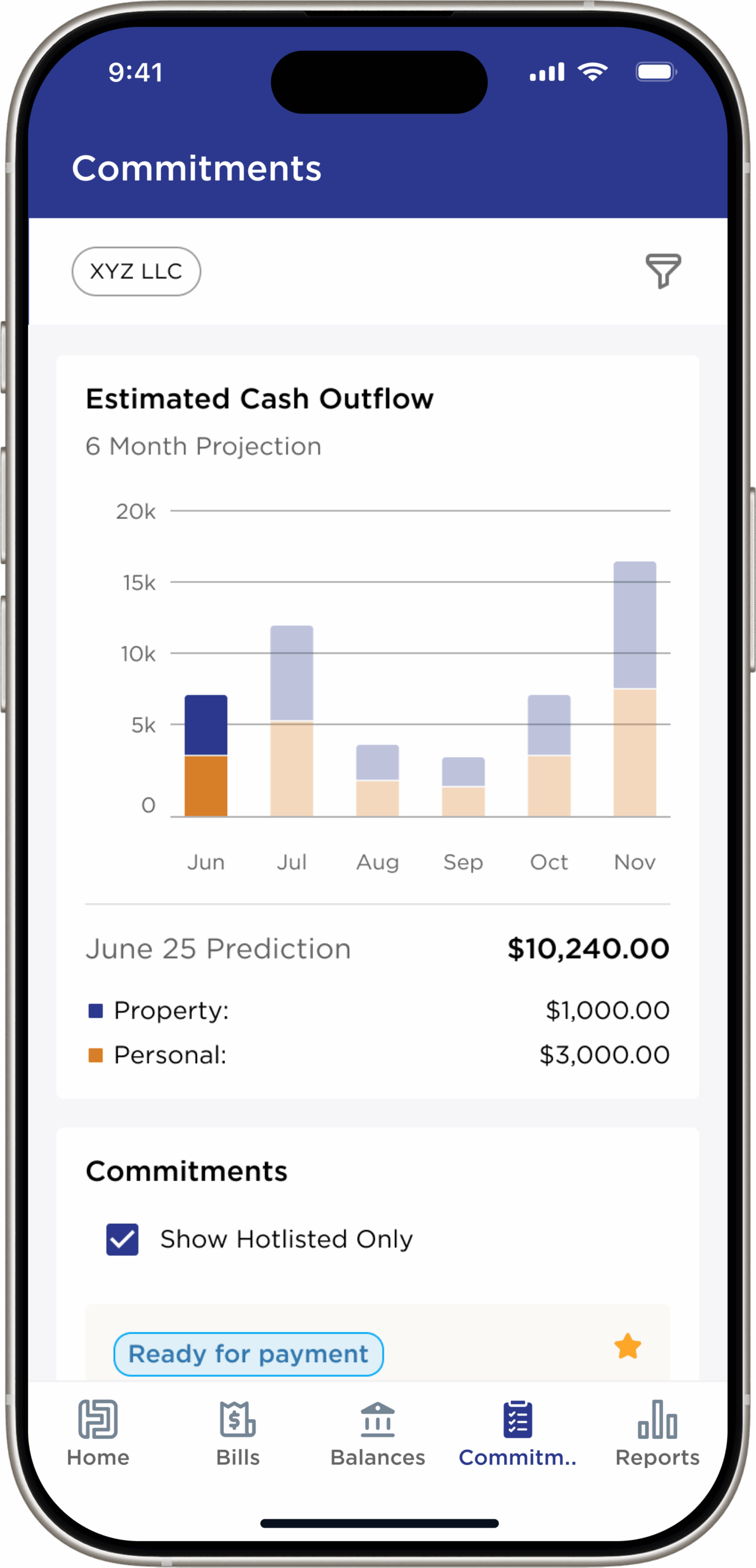
Commitments
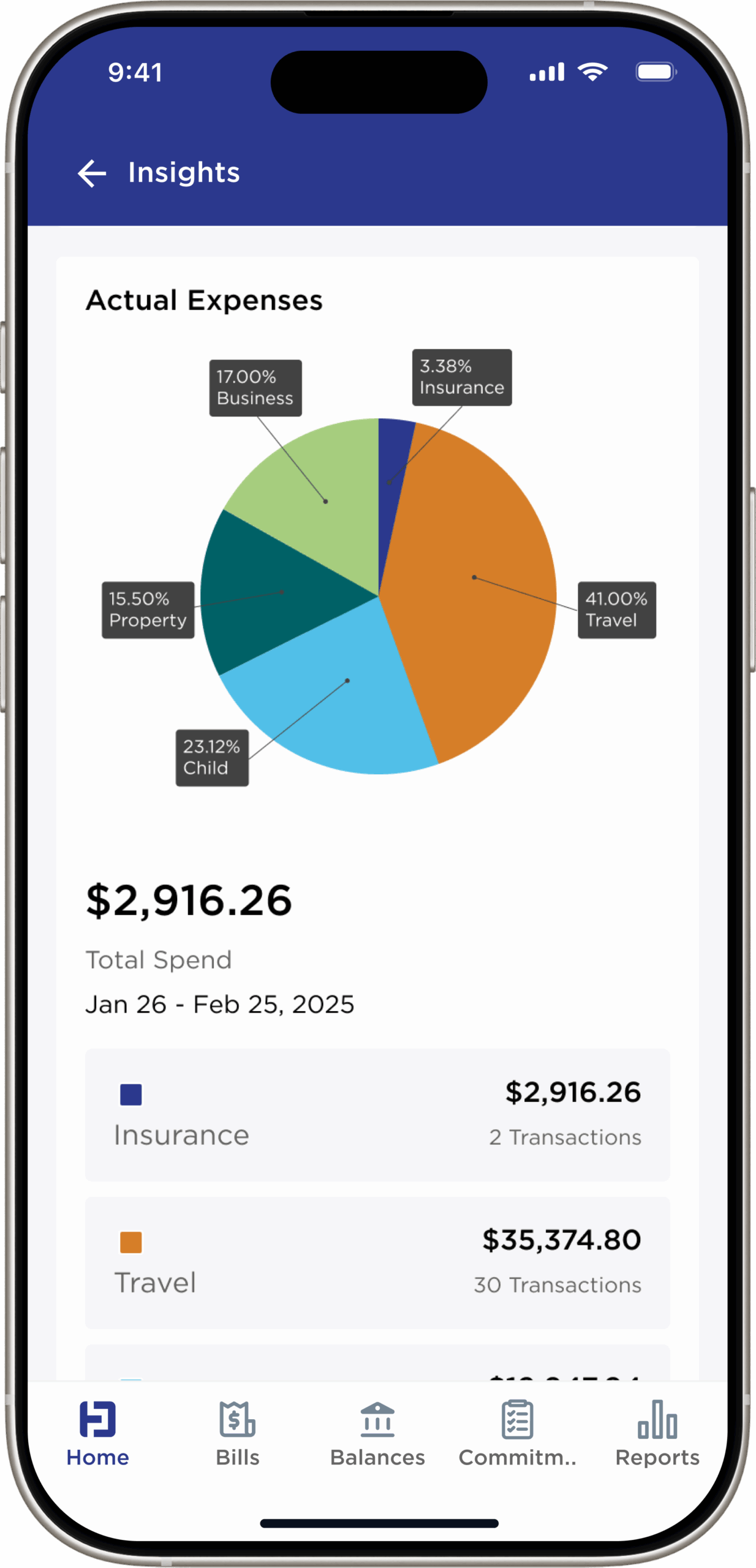
Insights
Our intuitive and incredibly useful app is the logical evolution of our high-touch, high-tech service.

Easily approve bills, monitor payment status, and communicate with the Plumb team.

Our app offers an estimated 6-month cash flow forecast, balance alerts for pending bills, and a Hot List to track crucial bills, ensuring optimal financial decision-making.

FEATURES INCLUDE

Clear dashboard view of bills paid, bills pending approval, and total cash outflow.
Seamless and efficient bill approval process.
Intuitive bill upload options.

6-month projection of estimated cash flow based on commitments.
“Hot List” of most important bills to track.
Balance snapshot with alerts if funding is required.

Quick access to bill information, expense details, relevant attachments, and bill pay reports

Easy communication with the Plumb Team - from the app

Whether you want to use it for personal use or give permission to a trusted advisor, we provide a seamless and secure bill pay experience.

State-of-the-Art Security

Your financial world deserves uncompromising protection. Plumb upholds full SOC 2 compliance and employs bank-level safeguards to ensure every detail of your personal and financial life remains private and secure. Our protocols are strengthened by the world-class security infrastructures of Apple, Google, and AWS, creating a refined, multilayered defense designed for those who expect nothing less than exceptional care.

FREQUENTLY ASKED QUESTIONS

New App Users
  • I’d like to start using the Plumb Bill Pay App. How can I do that?

    We are thrilled you’d like to use our App! Please reach out to your dedicated Plumb team and they will be happy to show you a demonstration of the app and walk you through the set-up process.

    If you are not currently a Plumb client, please email Anneke Stender to schedule time for a free consultation to see if we are a fit for your bill pay needs. The Plumb Bill Pay app is currently only available to Plumb clients.

  • How can I log into the app?

    When your app account is created, you will receive an email from Plumb with directions on how to log into the app for the first time. Please watch this video for additional information or email your Plumb team with any questions.

  • How can I give access to my financial advisor / wealth manager / other so they can approve/reject bills on my behalf?

    The app is designed for use by clients as well as their designated and trusted advisors. For any user or access updates, please email us at plumbbillpay@thinkplumb.com or contact your Plumb team and we will be happy to assist you.

  • How do you know what bills need to be paid and to whom?

    Once your account is set up, this can happen in a few different ways.

    1. The vendor sends invoices directly to your Plumb-designated email address.
    2. The client/designee uploads the bill directly into the app.
    3. The client/designee emails the bill to their Plumb-designated email address.
    4. The client/designee has alerted us to a bill(s) on autopay so that we can track it and ensure payment comes out of account as scheduled.
    5. The client/designee can upload an invoice from their mobile phone in the mobile app.
Security Questions
  • How safe is your app?

    We utilize bank-level security and conduct consistent audits to ensure your financial privacy and security. In addition, Plumb benefits from the rigid security practices of our industry-leading vendors such as Apple, Google, and AWS.

  • Does the app connect directly to my bank account?

    The app itself does not connect to your bank account. Rather, the accounting platform used will connect to your bank account. The approvals you authorize within the app are routed to your accounting platform for secure payment.

  • Who has access to my banking and financial information?

    Only those you authorize directly will have access to your banking and financial information.

How to Use the App

Take the First Step

Request a consultation to learn how Plumb Bill Pay customizable service offerings can help you save time, gain clarity and remain in control.